Product guide
Explore the smart clock companion
The smart clock companion explores a clearer browser interface for the EleksMaker EleksWFD 2. Display concepts, weather messages and device transport are separate parts of the work.
Local prototype. One physical Dim result is user confirmed. Graphics and routine connectivity remain unfinished.
Recognize a clock design preview
Tell a display illustration from a connected clock.
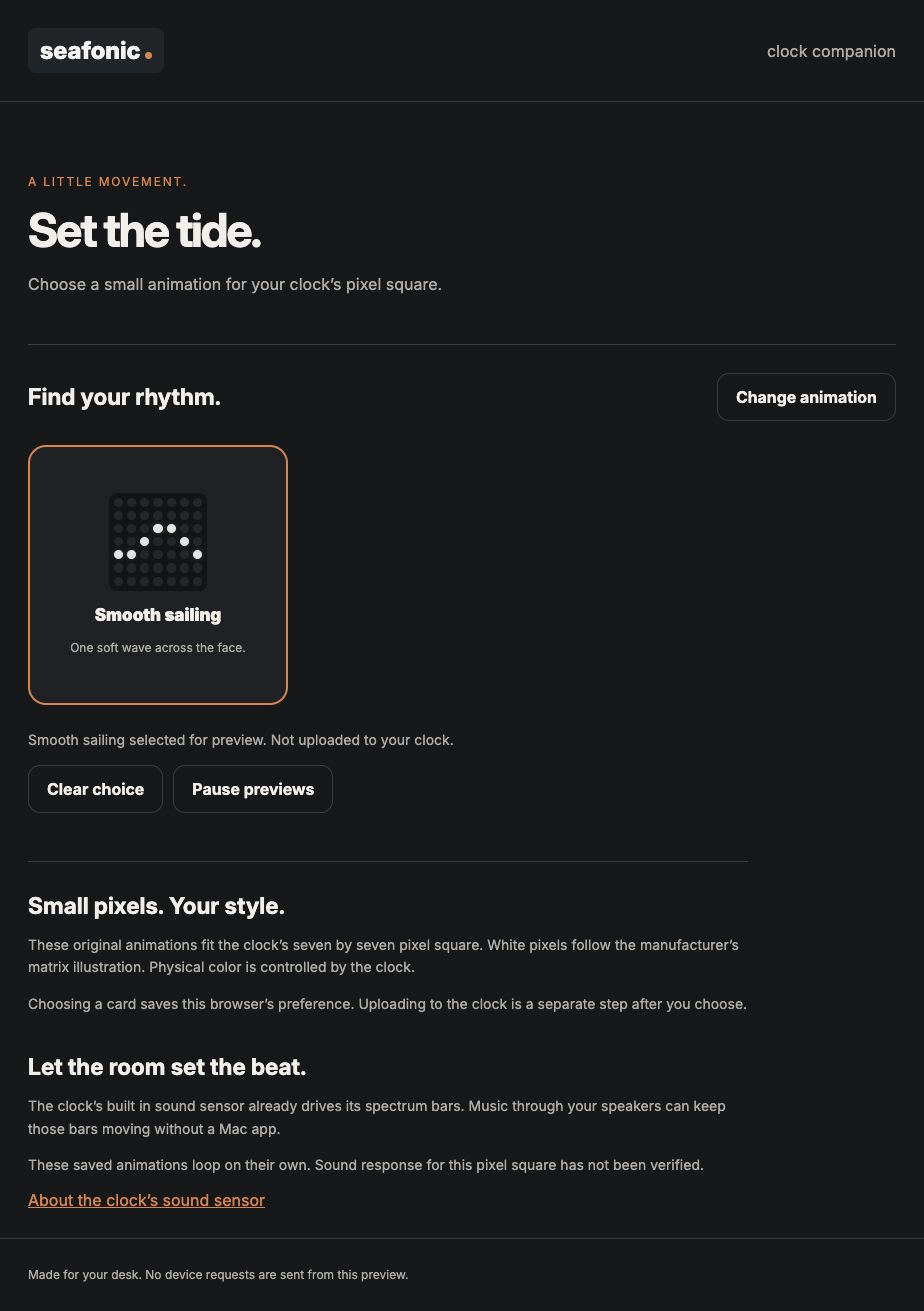
The companion is a local prototype. This screenshot shows a design preview, not the physical clock.
- Read the Preview badge beside the clock name.
The shown face is labeled as a preview.
- Keep Control destination set to Preview in an owner supplied review.
Design choices affect the illustration rather than sending a guessed device command.
- Wait for a verified connection and observed physical result before using My clock.
USB detection and an on screen change are not proof of working device control.
You can review a design without assuming it was sent to the clock.
If something goes wrong
The preview changes but the clock does not. Preview changes remain on screen. One Dim test was user confirmed on the physical clock through the phone connection, but design transfer and routine direct connectivity remain unfinished.
A USB device is detected. Detection alone does not prove an available command protocol. Do not flash firmware or send guessed commands.
Security and privacy
Keep WiFi credentials, network identifiers and device connection details out of public help. A preview is an illustration, and browser connection permission does not establish ownership of a clock.
The user confirmed that Dim changed the physical clock. That result establishes only this operation. Routine reconnection, graphics transfer, multiple clock ownership and account saved settings remain incomplete. Previewing a face does not authorize firmware replacement or establish a secure remote device service.
An explicitly requested forecast is separate from the display preview and is not synchronized to the physical clock. Check any location or service permission before requesting real weather.
Read the security guideMore product information and background
Available pages
- Display preview
Local design demonstration. No released public app.
- Device manufacturer
External vendor information, not a seafonic purchase or compatibility guarantee.
How to use it
Read the availability label first. Actual app use requires approved access when released. Local demonstrations use fictional records.
- Use Preview in an owner supplied demonstration. Check that the status says no clock request is being sent.
- Compare the illustrated colors, time, date and pixel motifs. These change the illustration only.
- Keep sample weather separate from an explicitly requested forecast. Do not grant location access merely to view a screenshot.
- Do not select a live command, upload images or replace firmware on the assumption that the preview controls the clock.
- Treat the confirmed Dim result as one limited operation. Wait for verified connection and control behavior before relying on other device actions.
What to expect
A reviewable display concept. It is not clock readback, an uploaded design or a connected hardware release.
No device upload or cloud saved settings are implemented. Preview controls remain temporary.
Things to know
- The user confirmed that Dim changed the physical clock through the seafonic phone panel using the existing device connection. This limited result does not establish every control or a repeatable released app.
- The screenshot shows a design illustration. The proposed face graphics have not been confirmed on the physical clock.
- Routine network access, reconnection after browser reopening and direct Mac control remain unresolved. No network identifiers or credentials belong in public help.
- The USB data interface is detected, but a usable stock USB control protocol is not established.
- Forecast retrieval is available in the local browser implementation when explicitly requested. Weather and messages are not synchronized to the physical clock.
- Image transfer, firmware replacement, native pixel dimensions, saved account settings and multiple clock ownership are not a verified released capability.

Getting help
The preview changes but the clock does not.
Preview changes remain on screen. One Dim test was user confirmed on the physical clock through the phone connection, but design transfer and routine direct connectivity remain unfinished.
A USB device is detected.
Detection alone does not prove an available command protocol. Do not flash firmware or send guessed commands.
Public guide version 2026-10-03.6.1. Reviewed 2026-10-03.