Product guide
Explore browser appearance with darkmode
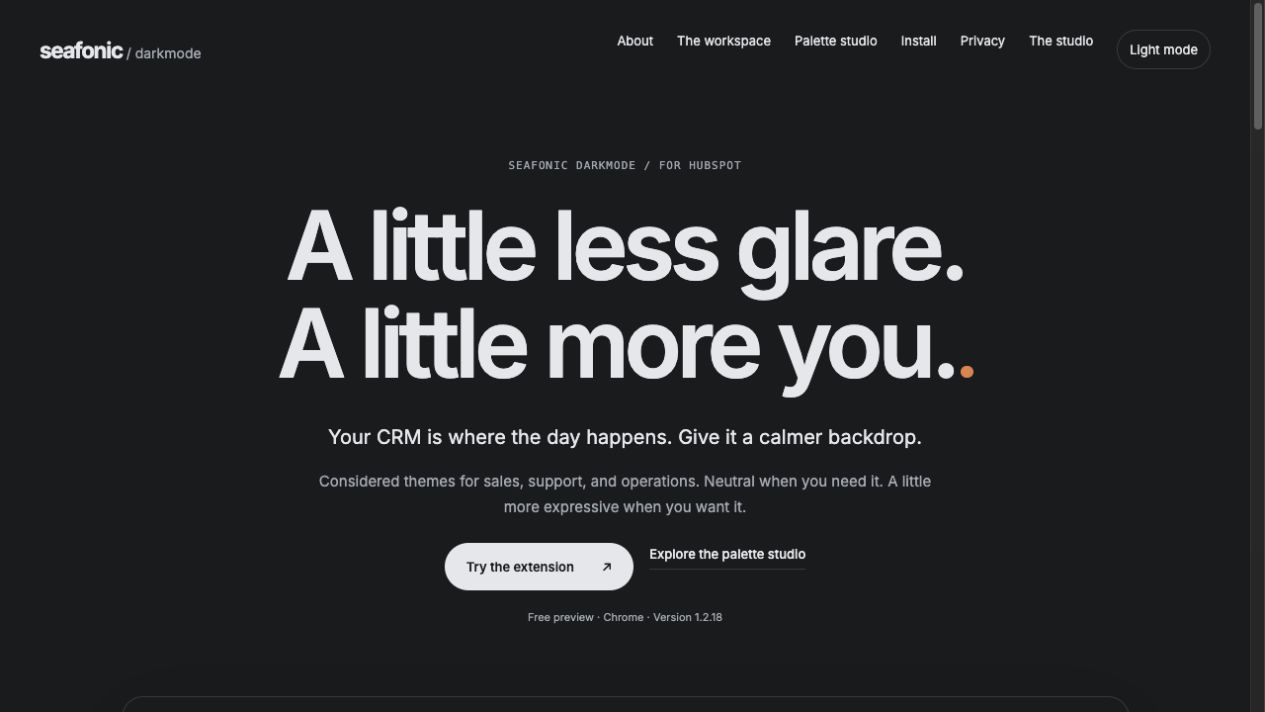
darkmode adjusts browser appearance using reviewed palettes and site specific styling. The website lets you explore illustrative layouts. An installed browser extension is a separate product delivery.
Public preview. Installed version and newer prepared source differ.
Compare a palette preview
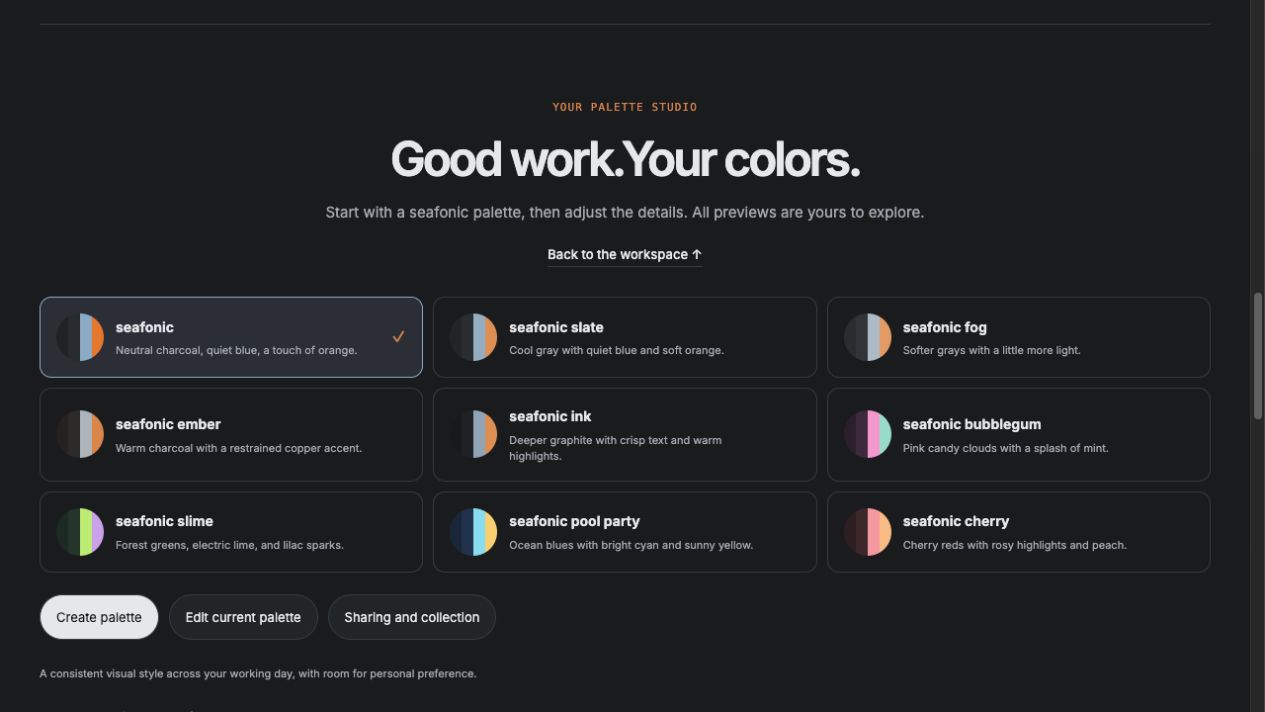
Understand the palette cards before choosing an installed appearance.
The screenshot is a hosted preview, not an installed release or account grant.
- Open the Palette studio information page when its reviewed preview is available.
The palette cards show their names and color descriptions.
- Compare the colors and read the preview description.
You can identify a preferred appearance without claiming ownership of a paid palette.
- Confirm the approved extension version and app access before using it on real websites.
A website preview does not silently update Chrome or issue a durable palette grant.
You can describe the appearance you want and distinguish preview from installation.
If something goes wrong
The website and extension show different versions. They have separate release processes. Use the owner’s approved installation record.
A preview palette appears but cannot be granted. Previewing is separate from account permission and durable selection.
Security and privacy
Review the installed extension version and requested site permissions before enabling browser use. Site permissions can allow an extension to interact with pages in that scope. Broad ordinary website support is intended, but actual installed coverage remains unverified and protected browser pages have limits.
An appearance choice does not grant paid capabilities or another app’s access. Customization and sharing remain planned. Do not include personal or customer information in palette examples. Check important content with the theme off if styling makes it difficult to read.
Read the security guideMore product information and background
Available pages
- Product preview
Hosted illustrative website.
- Workspace
Illustrative workspace.
- Palette studio
Palette preview and editing interface.
- Install information
Older hosted instructions. Confirm the approved package first.
- Privacy
Existing product privacy page.
How to use it
Read the availability label first. Actual app use requires approved access when released. Local demonstrations use fictional records.
- Explore the illustrative workspace and palette studio. Example records are fictional.
- Select a preview palette to compare its appearance. A preview choice is not a paid grant.
- For actual browser use, confirm the approved package, installed version and site permissions with the owner.
- Use the extension control to apply an approved appearance or restore the original when the reviewed version is available.
- Check exact colors with the theme off when reviewing customer facing designs.
What to expect
An informed appearance choice. Website previews do not establish an installed update or account backed grant.
The observed palette interface is a preview. Account backed saving, sharing and paid selection require verified activation.
Things to know
- The website observed October 3 still advertises version 1.2.18. The owner reports installed version 1.2.21. Prepared source and package 1.2.23 are pushed but not activated by this guide.
- Core is the intended permanently free palette. One chosen eligible signup bonus is prepared. Real durable grants and paid access remain separate activation work.
- The newest signup and enforcement switches remain off. No real signup palette or paid entitlement was issued by this documentation work.
- Chrome Web Store approval is not established. Do not treat an old download link as the approved new installation.
- Generic support for ordinary external websites is the intended darkmode scope. Installed site permissions and actual coverage still require owner verification. Protected browser pages remain a genuine browser limitation.
- Shared palette customization and sharing are intended paid capabilities, with the exact catalog undecided. Appearance preferences and app entitlements remain separate. This guide does not establish activated paid customization or sharing.
Getting help
The website and extension show different versions.
They have separate release processes. Use the owner’s approved installation record.
A preview palette appears but cannot be granted.
Previewing is separate from account permission and durable selection.
Public guide version 2026-10-03.6.1. Reviewed 2026-10-03.